
Views: 129


Figure out how to optimize the look of your enclosure for 3D printing, follow a step by step guide on the design process and review the most common enclosure materials.
3D Printing of enclosures allows design freedom, lets a designer print a prototype or final part in a matter of hours and is much cheaper when compared to traditional manufacturing methods. 3D printed enclosures offer an effective method of confirming form and fit and several of the materials that can be used for printing enclosures are suitable for end use applications.
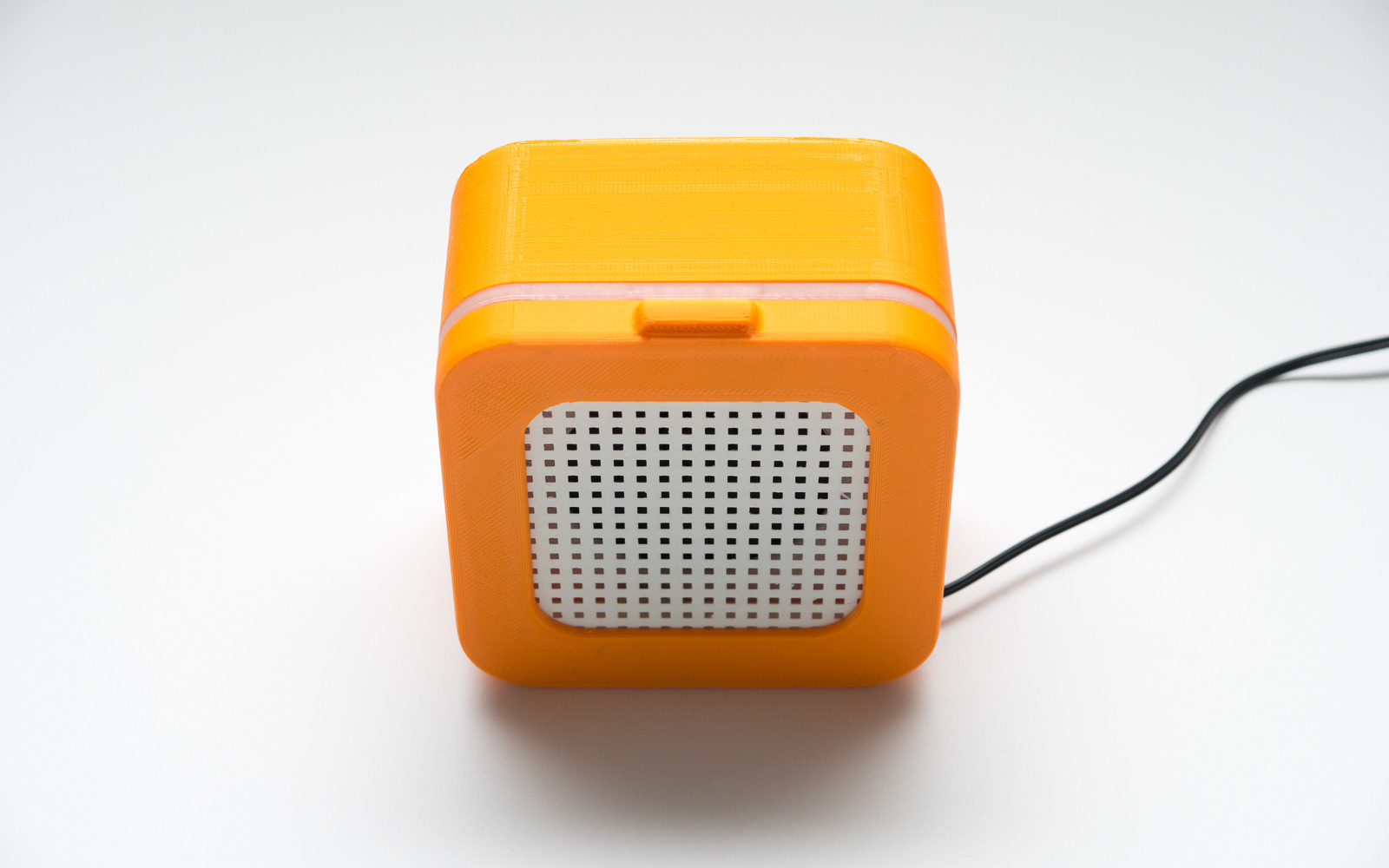
Assembled 3D printed enclosure for a DIY loudspeaker
Yea-Lin will discuss the most common 3D printing technologies that are used to print enclosures, methods for securing printed enclosures together and introduce some design considerations to help optimize enclosure design for 3D printing.
The table below discuss the main 3D printing technologies and whether they are appropriate for a range of enclosure applications.
Application | Description | Printing Technology |
Rapid prototyping | Application Description Printing Technology | FDM |
High Temperature | Heat resistant plastics are rated to remain stable up to temperatures as high as 80℃ after thermal post treatment. | Material Jetting |
High quality surface finish | The selection of surface finish is usually governed by cost and time. SLS nylon results in a satin-like matte finish that is slightly grainy to the touch while Material Jetting and SLA offer fine-detail models with very smooth surfaces. | SLA or Material Jetting |
High accuracy | SLA and Material Jetting printed parts are highly accurate and are capable of printing to within 0. 2 - 0. 5 mm. They give an excellent surface finish. SLS nylon will no need any support as the support utilized for material jetting is normally dissolvable and easy to eliminate leading to an smooth surface area after post digesting. | SLA, SLS or Material Jetting |
Transparent | 3D printed transparent plastics enable inspection or verification of inner components and so are often put on applications where liquids are working. | SLA or material jetting |
Flexible material | Versatile enclosures allow the pressing of buttons or motion of switches through the sealed case. | Rubber-Like plastics or SLA flexible resin |
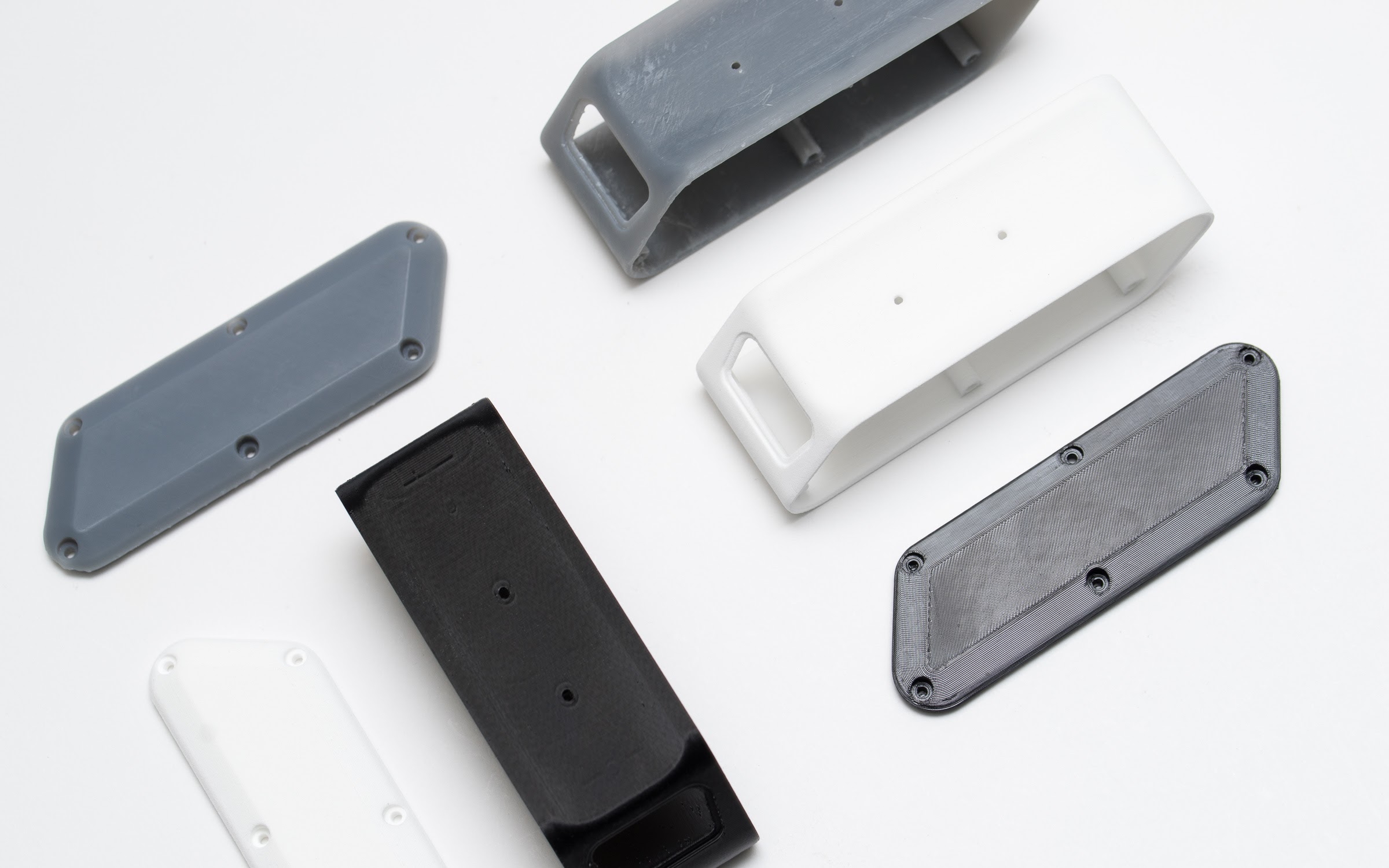
Enclosures can be made from a range of different 3D printing materials like SLS (white), FDM ( black ) and SLA (gray) with each technology having benefits and limitations.
Snap fits, interlocking joints, threaded fasteners, and living hinges are all viable options for 3D printed enclosure connections. Designing snap-fits and push- fits for an enclosure that does not require repeated opening is much easier because the joint does not have to be as wear-resistant. For quick prototypes, adhesives are a quick and easy method to permanently fasten the enclosure.
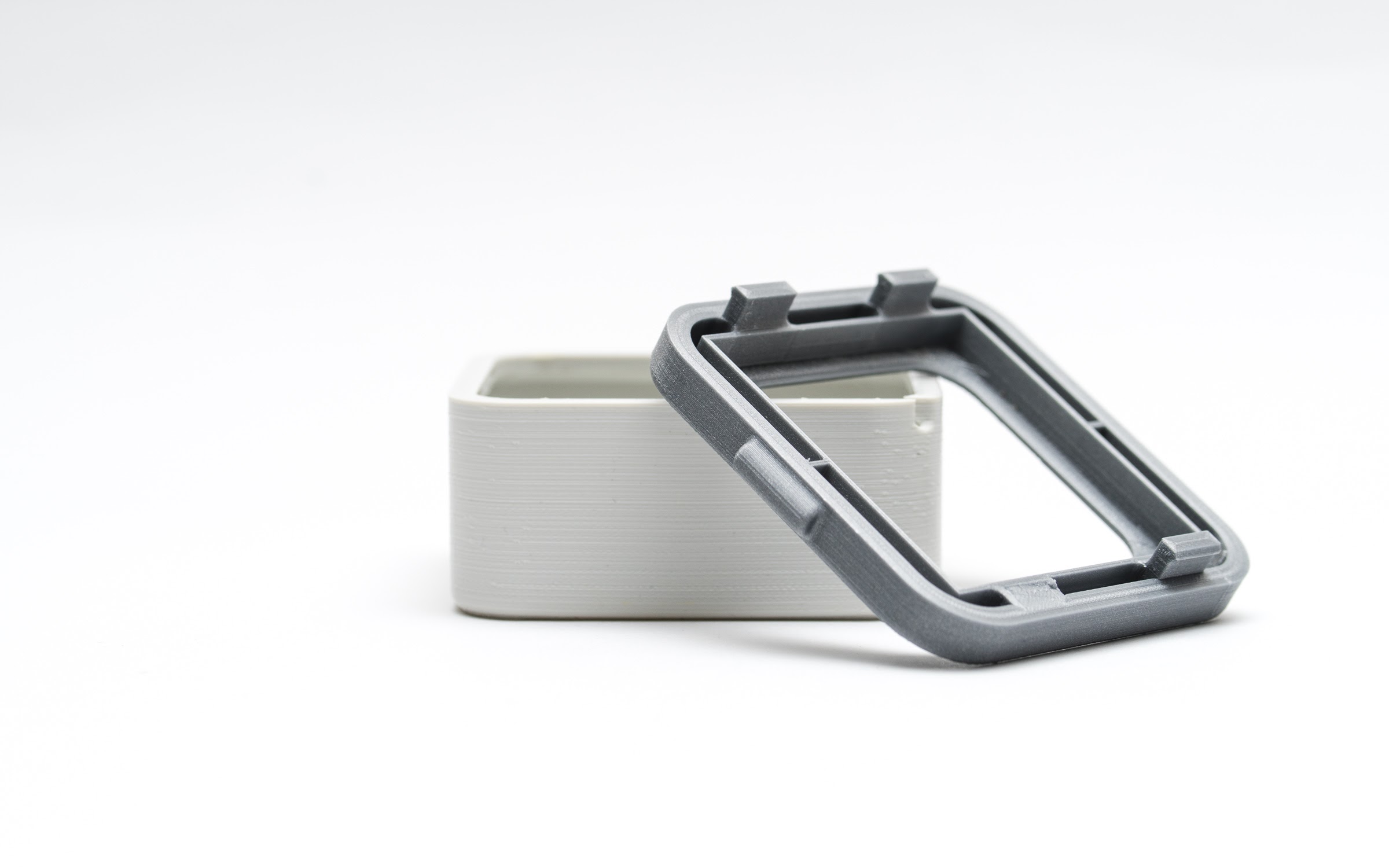
Snap-fits are regularly used for securing 3D printed enclosures
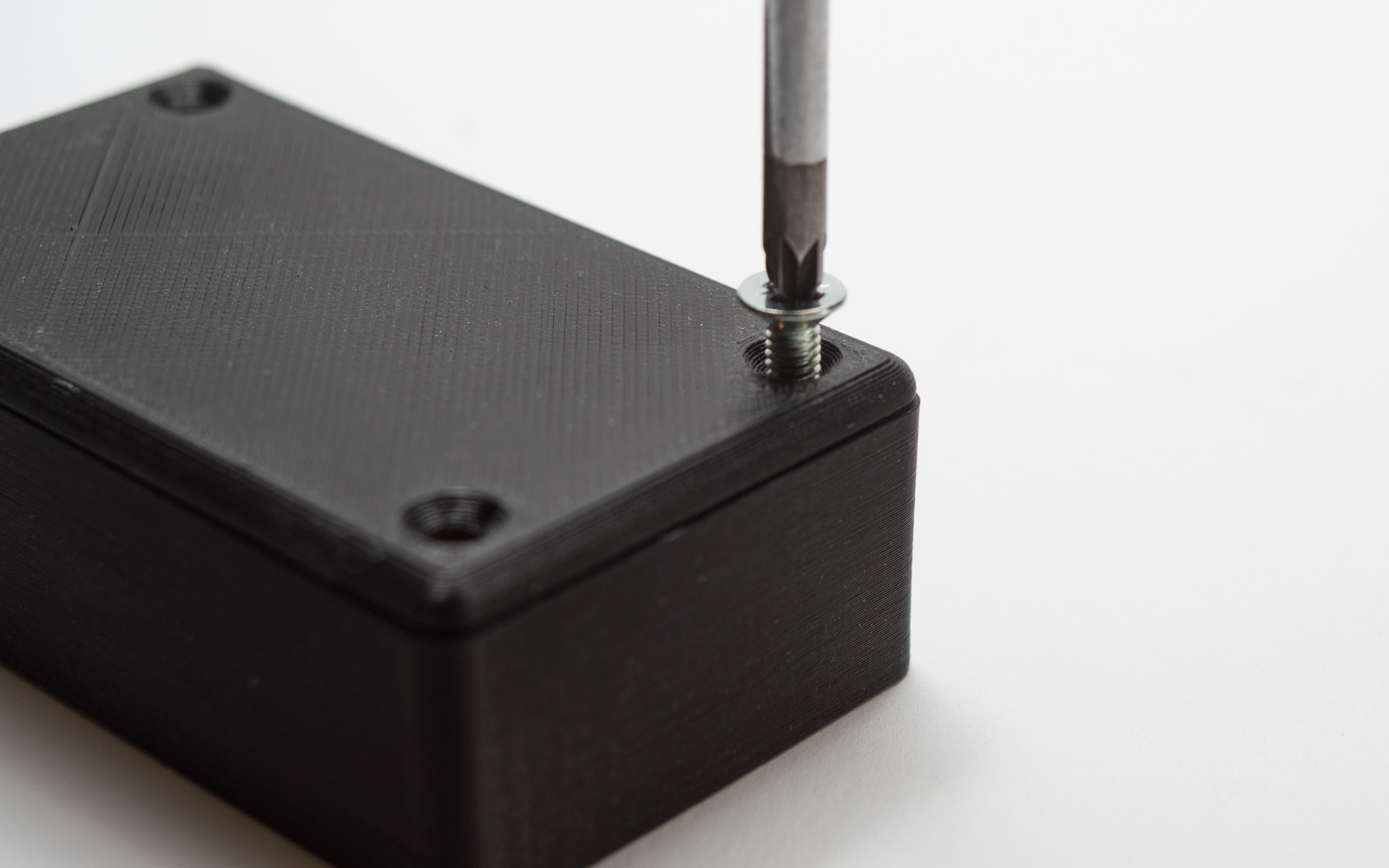
Fastening with threaded fasteners is usually a durable and quick option for reliable repeated opening
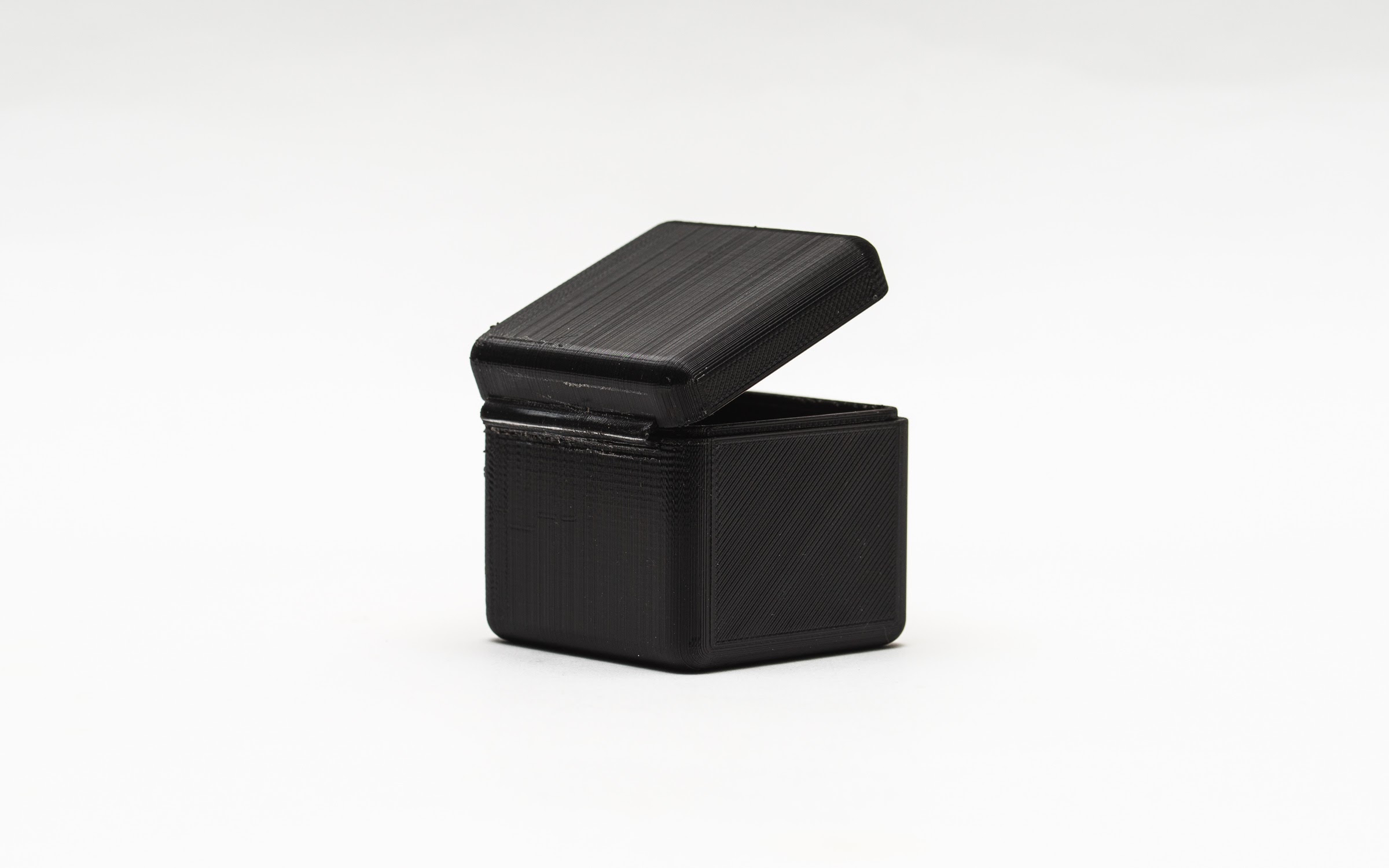
Using living hinges in conjunction with snap fit connections can create a simple, quick way to secure 3D printed enclosures
The design of enclosures for 3D printing typically follows 2 main steps:
It can be useful to 3D model the internal enclosure components along with the enclosure to allow for easy clearance checks and to help determine the optimal component positions.
While tolerance and clearance recommendations will vary with printer technology and calibration the bullet points below offer a set of design guideline to use:
| Wall thickness A minimum wall thickness of 2 mm is recommended for all enclosure walls. |
| Insert radii/fillets to corners Radii or fillets help reduce stress concentrations in part and edges and in addition make parts simpler to 3D print. A little radius can make a siginificant difference even. |
| Component clearance Allow 0. 5 mm around all internal elements to pay for distortion, {printer and shrinkage tolerances. printer tolerances. The accuracy 3D printers can easily generate parts varies by technology |
| Clearance holes Increase 0. 25 mm to the diameter of screw and fastener clearance holes. For even more accurate clearance holes, drill the holes after printing.
|
| Self taping holes Subtract 0. 25 mm from the diameter of holes in case you are wanting the screw or fastener to bite in to the case. For a variety of fasteners options make reference to this article. |
| Port clearance For all ports or plugs allow 2 mm clearance (1mm each side). The input port can also be super glued into place for a secure connection. |
| Add lugs Add lugs, cut outs and lips to assist with assembly/disassembly and alignment if the enclosure with multiple parts (foundation & lid). These features are very simple to include in a design and may greatly increase the strength of your assembled enclosure. Lugs should be a minimum of 5mm in width. |
| Ribs and gussets While ribs and gussets are critical design features of injection molding and not essential for 3D printing their inclusion can help reduce and distribute stresses throughout the part and improve rigidity. To save on material, ribs and gussets can be designed to 75-80% of wall thickness. |
| Bosses Include bosses around holes in locations where threaded fasteners will be used to reduce the likelihood of bulging, distortion and potential fracture. A minimum of 1 hole diameter for the wall thickness around the hole is a good starting point (e.g. if the hole is for an M5 screw include a minimum 5mm of wall thickness around the hole). |
| Uniform wall thickness If your enclosure design is eventually going to be injection molded remember to use uniform wall thickness in your design. For 3D printing process (particularly SLS and SLA) this is good design practice. |
For enclosures which will experience repeated starting and closing a wear-resistant materials such as for example SLS nylon. For rapid prototypes where fit or form are being tested FDM offers a fast low-cost approach to production.
If the enclosure will be put through loads include gussets, ribs, and bosses to boost strength
The very least wall thickness of 2 mm, 0. 5 mm tolerance around internal components and ± 0. 25 mm for clearance/bite holes are good begin points to consider when making a 3D printed enclosure.


